Work 03 / 06
Fealive
A concept platform that turns live entertainment into a shared, immersive at-home experience — for the fans who can't be in the room.
Overview
For many live entertainment fans, going to the event means navigating a maze of cost, travel and time. For fans with accessibility needs, the stadium doors can feel further away still — and the fallback is passive viewing at home, on a screen that shows the match without putting you in it.
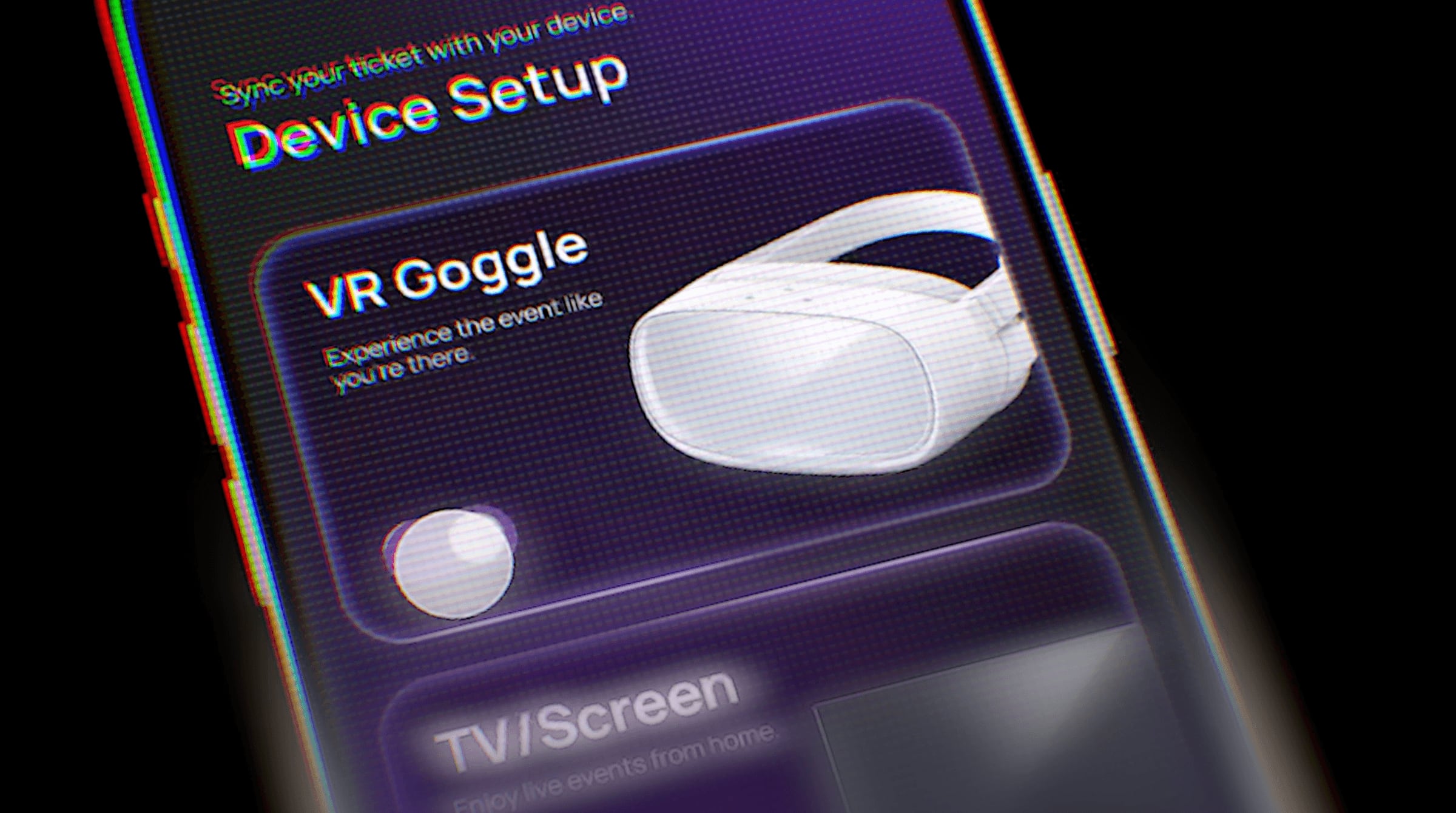
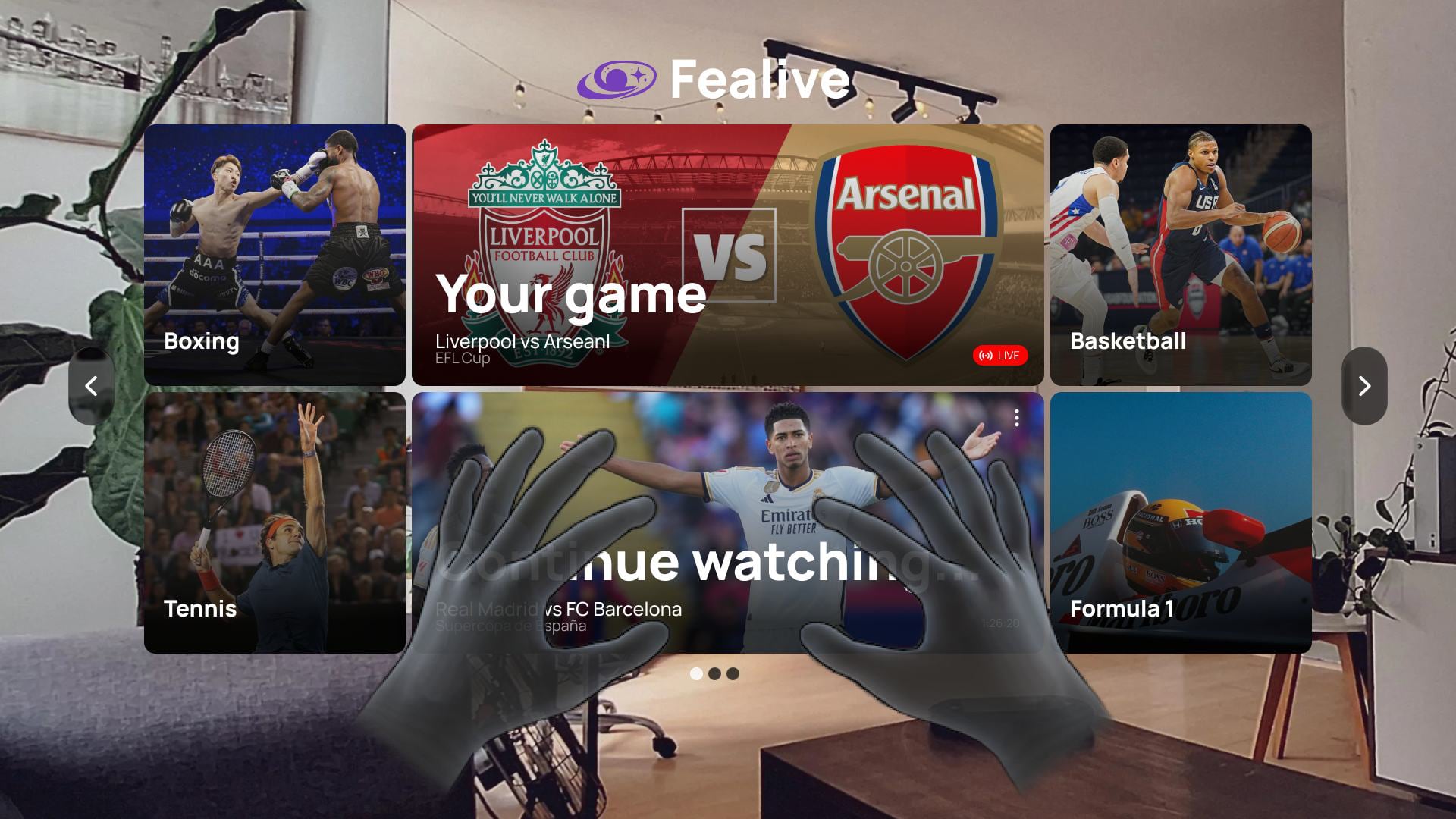
Fealive pairs a VR headset with a companion app so that remote viewing becomes remote presence: you find the event and set up on the phone, then step inside on the headset — up close, with friends, with captions and live context layered over the view. Venues gain an audience beyond their seats; fans gain a seat that was never for sale.
The problem
Live entertainment fans aged 16+ with accessibility needs struggle with ticket price, distance and time commitment when deciding whether to attend. Often they stop attending altogether and turn to at-home substitutes — live streams, TV.
Two constraints shaped what we could promise. VR and AR are moving fast, but not yet far enough to replace being there — so the experience had to earn its place as something a stream can’t do, not as a stadium substitute. And live events run on broadcast rights — leagues, promoters and venues — which is a licensing cost before the first camera is bought.
Research
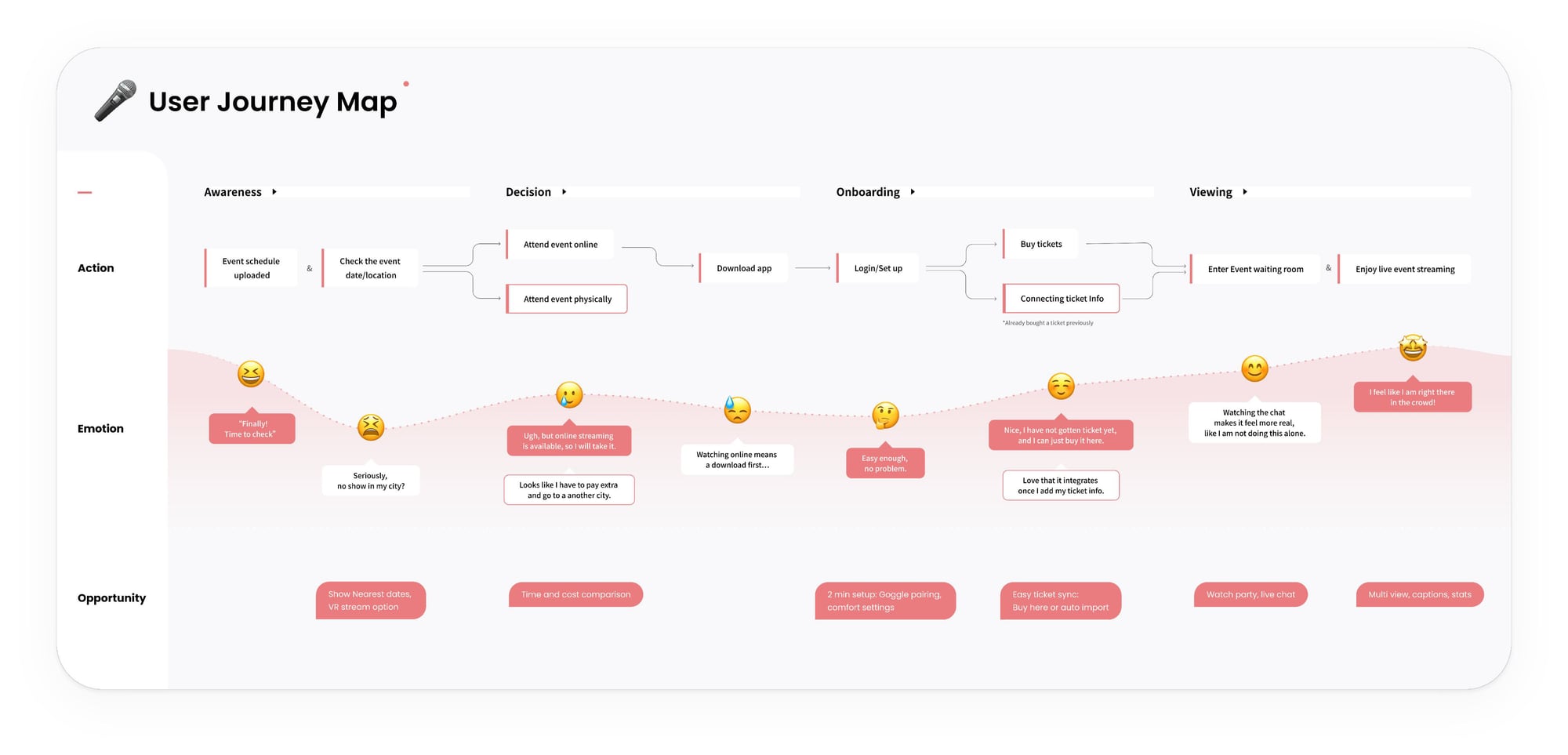
Two questions drove the primary research: where are the barriers and needs in remote viewing, and does VR actually close the gap on immersion and accessibility? We asked people what makes live events intimidating or uncomfortable, whether they’d used AR or VR, and what would make an event more enjoyable.
Why people don’t go
Of forty respondents, the reasons for staying home:
Interviews added the emotional half: noise, crowds, and low engagement through a flat screen. The barriers were logistical and emotional.
What VR would have to do
- Be worth the setup. “Honestly, I would rather just watch it on TV unless there was a sort of VR chat experience where I could interact with people. It’s just too troublesome to setup VR.” — P1. Setup effort and physical discomfort were the limits; the experience had to be clearly better than the broadcast to justify the headset.
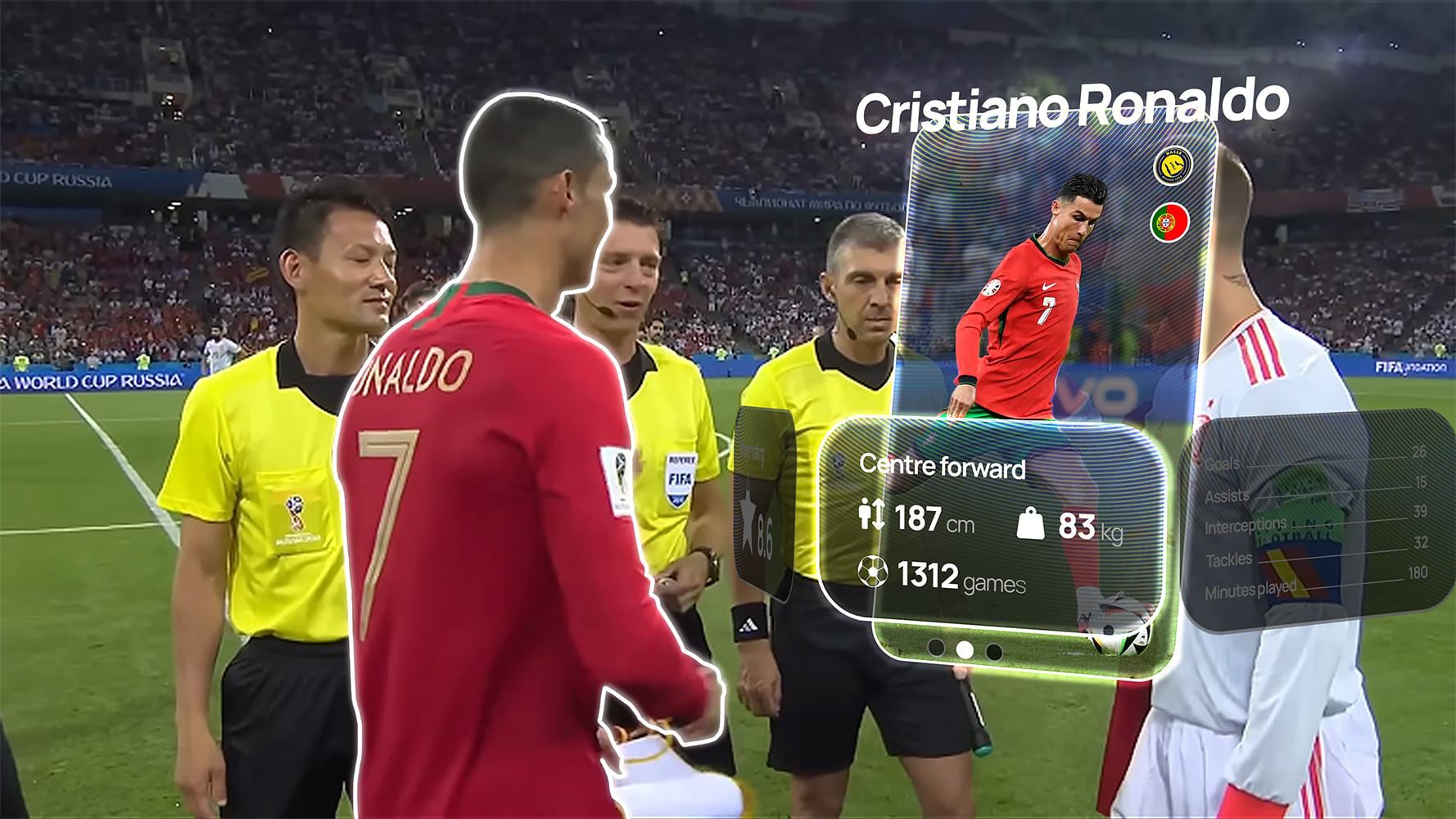
- Beat being there on the things a seat can’t do. “It’s a cheaper option in VR, but it must provide an experience that is better than going in person.” — P3. Up-close views, noise filtering, live stats and context.
- Bring the friends along. “If I could interact in VR with my friends while watching the game that would be so much cooler.” — P7. Social presence was as important as the picture.
How might we
How might we help fans achieve a seamless, immersive and accessible remote event experience through VR goggles and a companion app, so that they gain satisfaction while venues expand participation?
Mid-fi
Four app screens, before any colour.
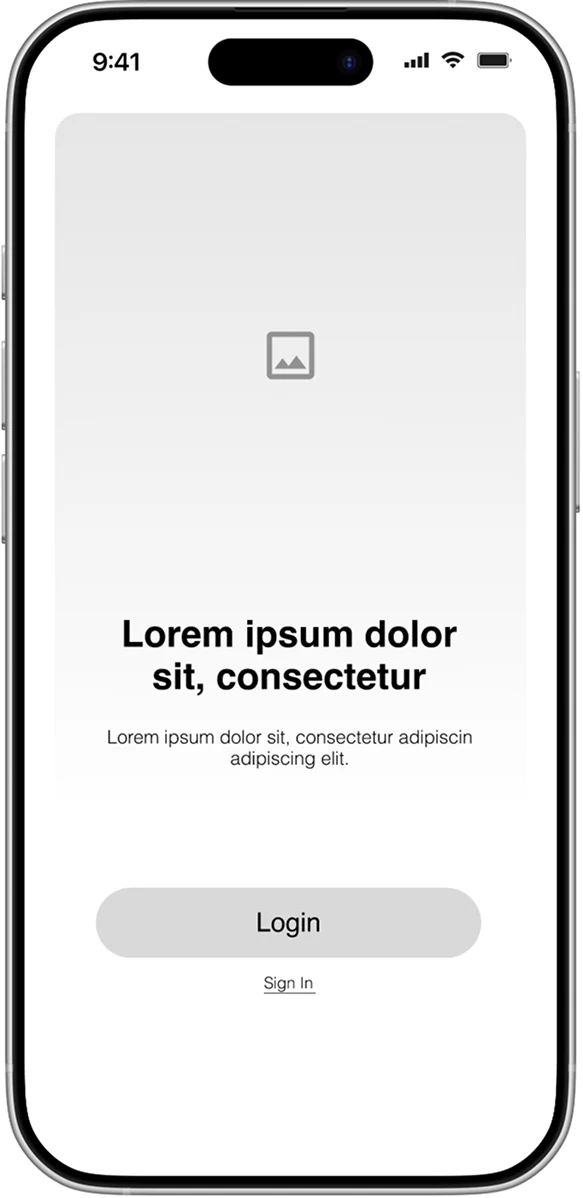
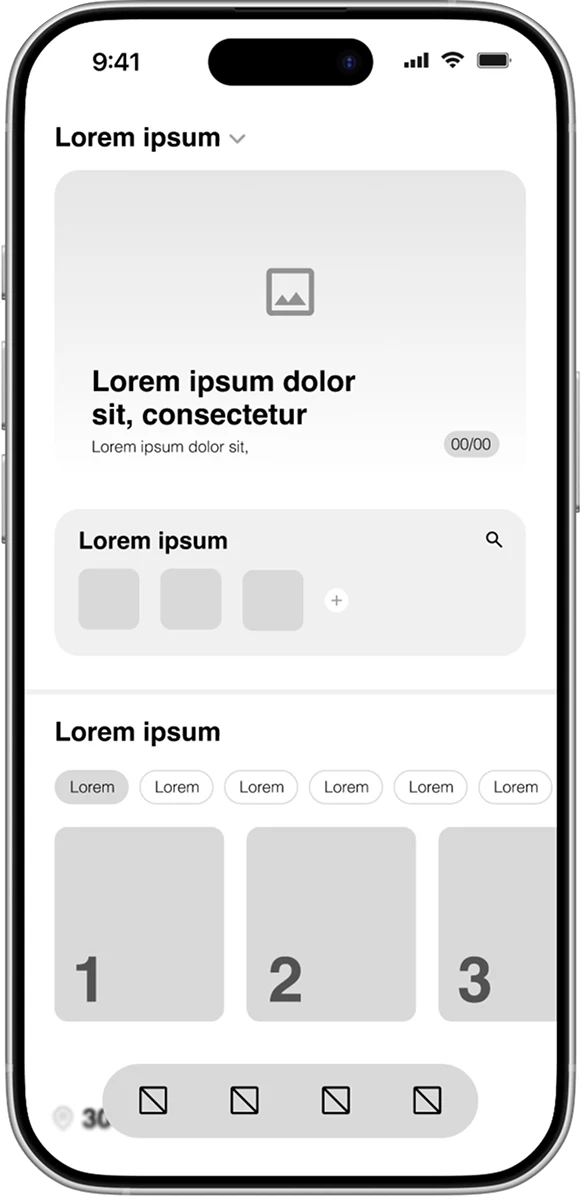
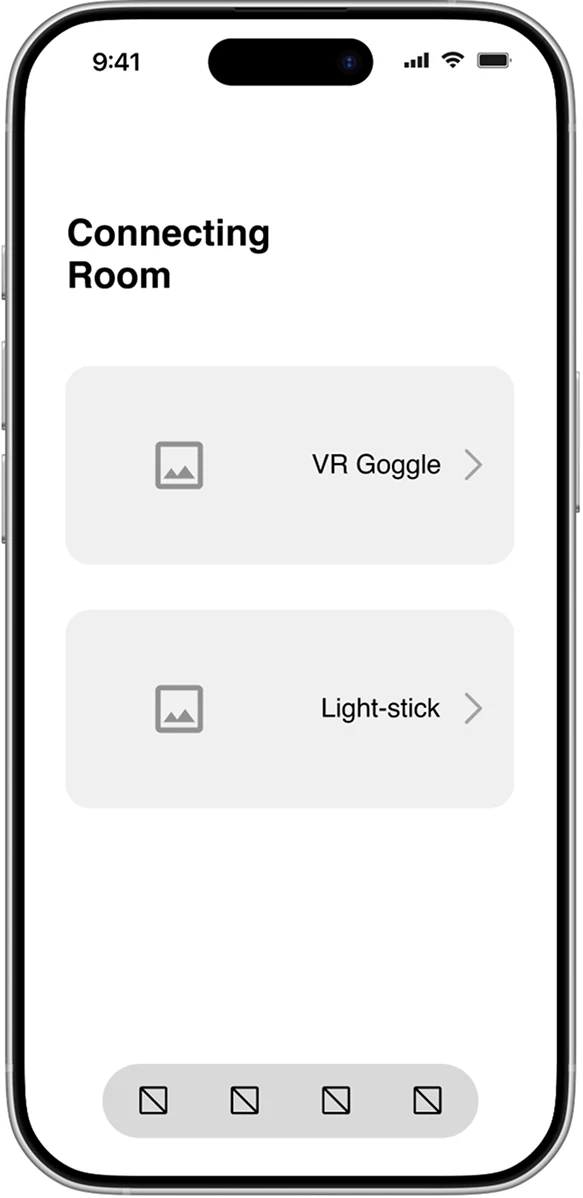
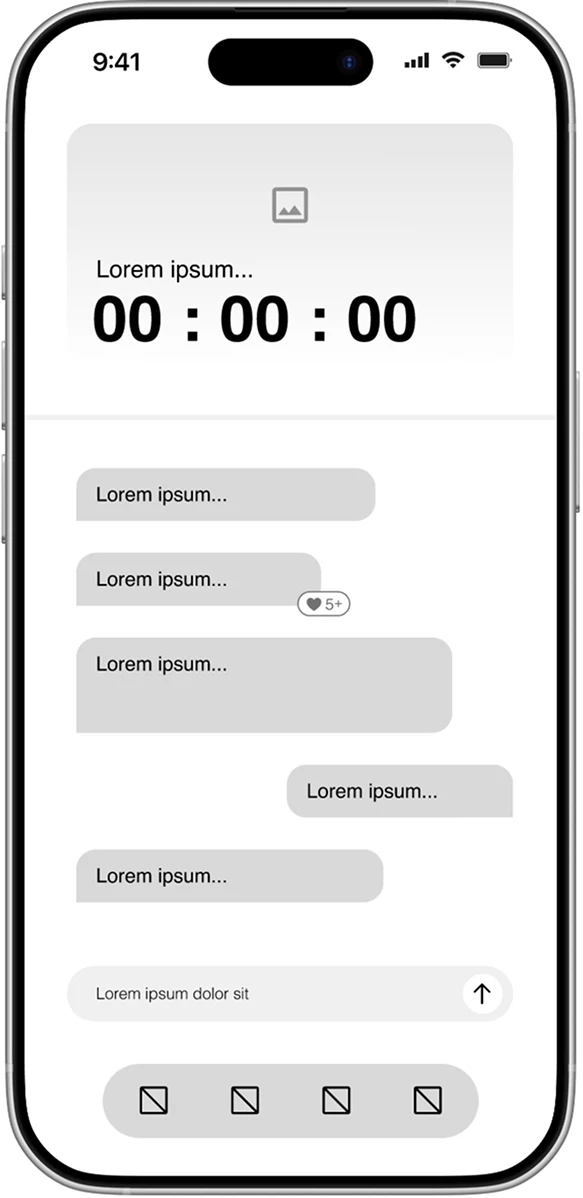
The app
Two purples, one gradient we lived in — violet to pink — and Manrope. The app is the part of Fealive you hold in your hand between events — so it had to feel like a ticket wallet and a group chat, not a settings panel for a headset.
Colour and type
- Name
- Heading 1
- Heading 2
- Heading 3
- Subtitle
- Body
- Caption
Components









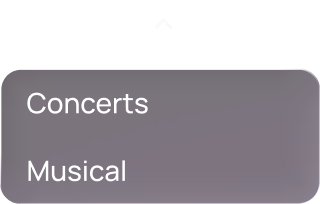
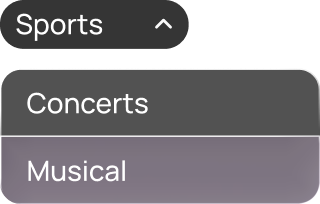


Key screens
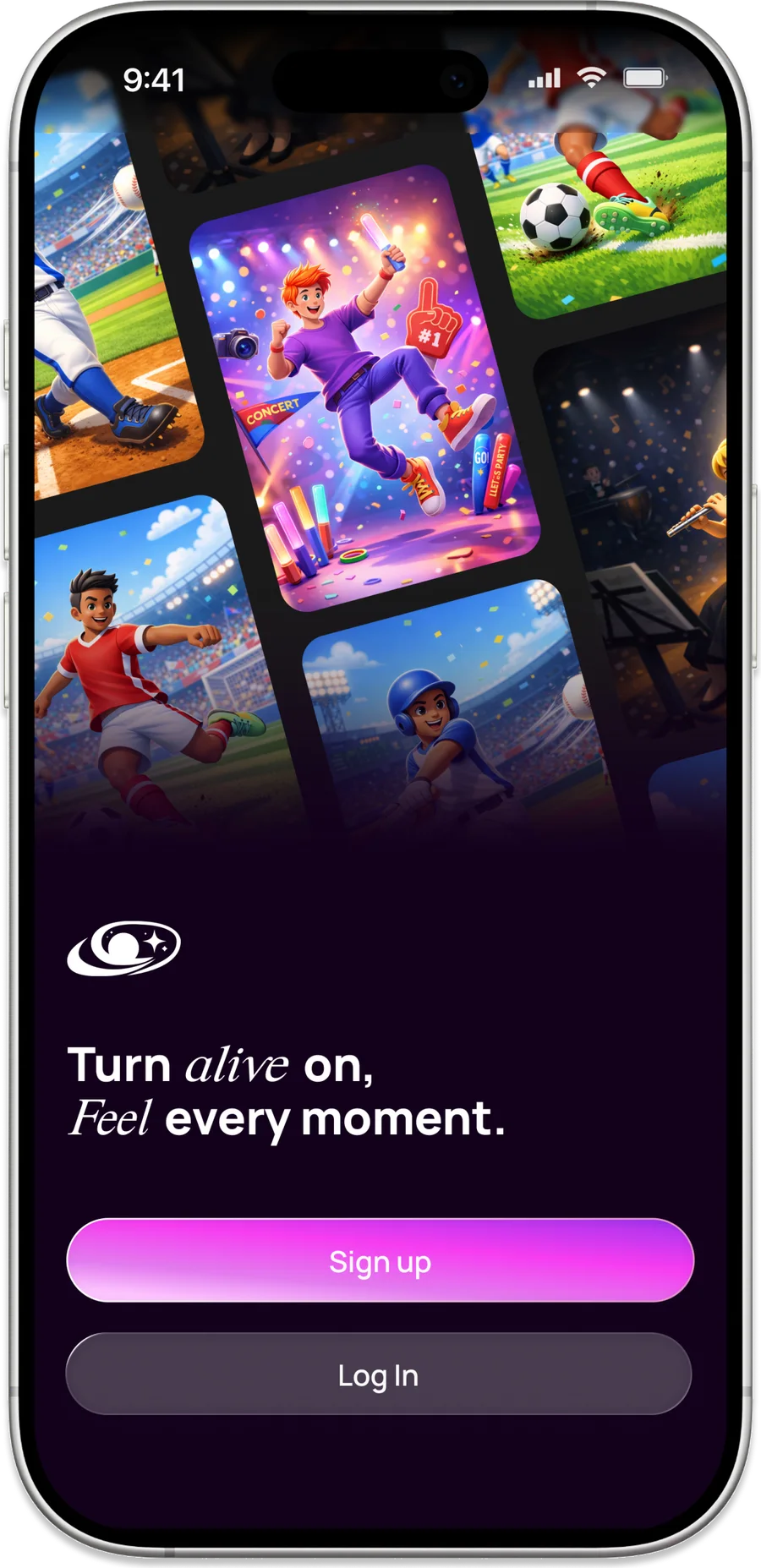
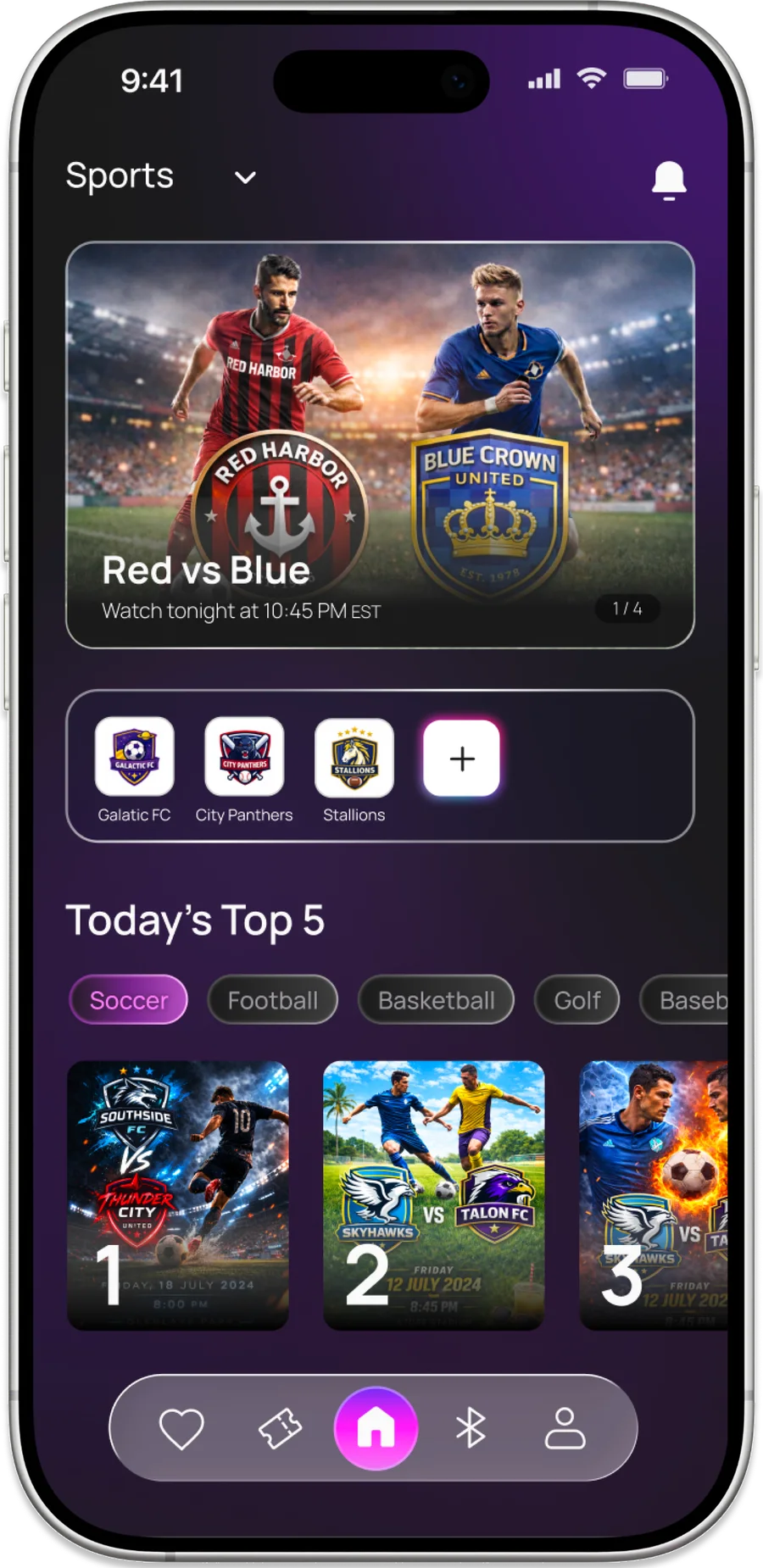
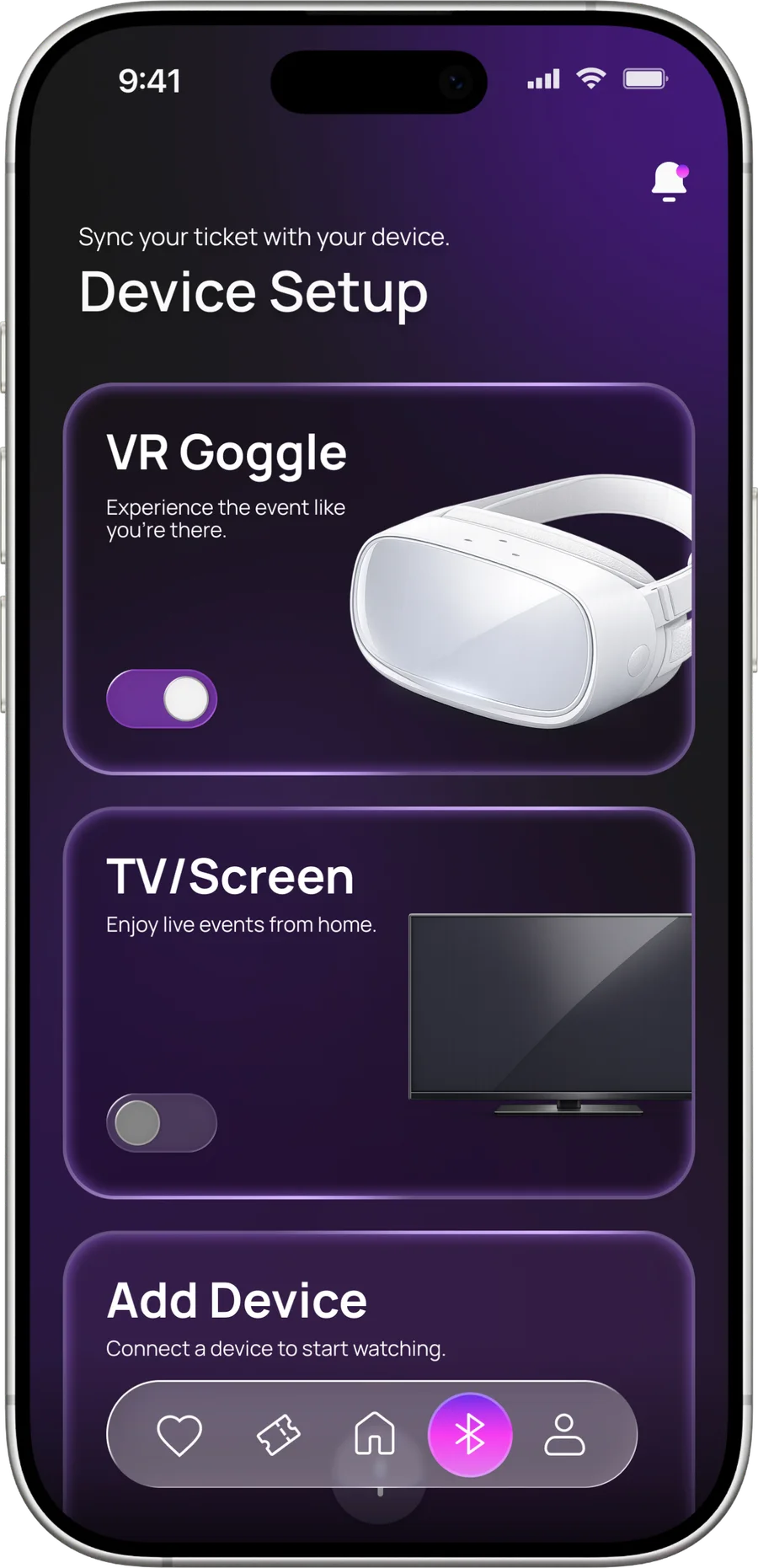
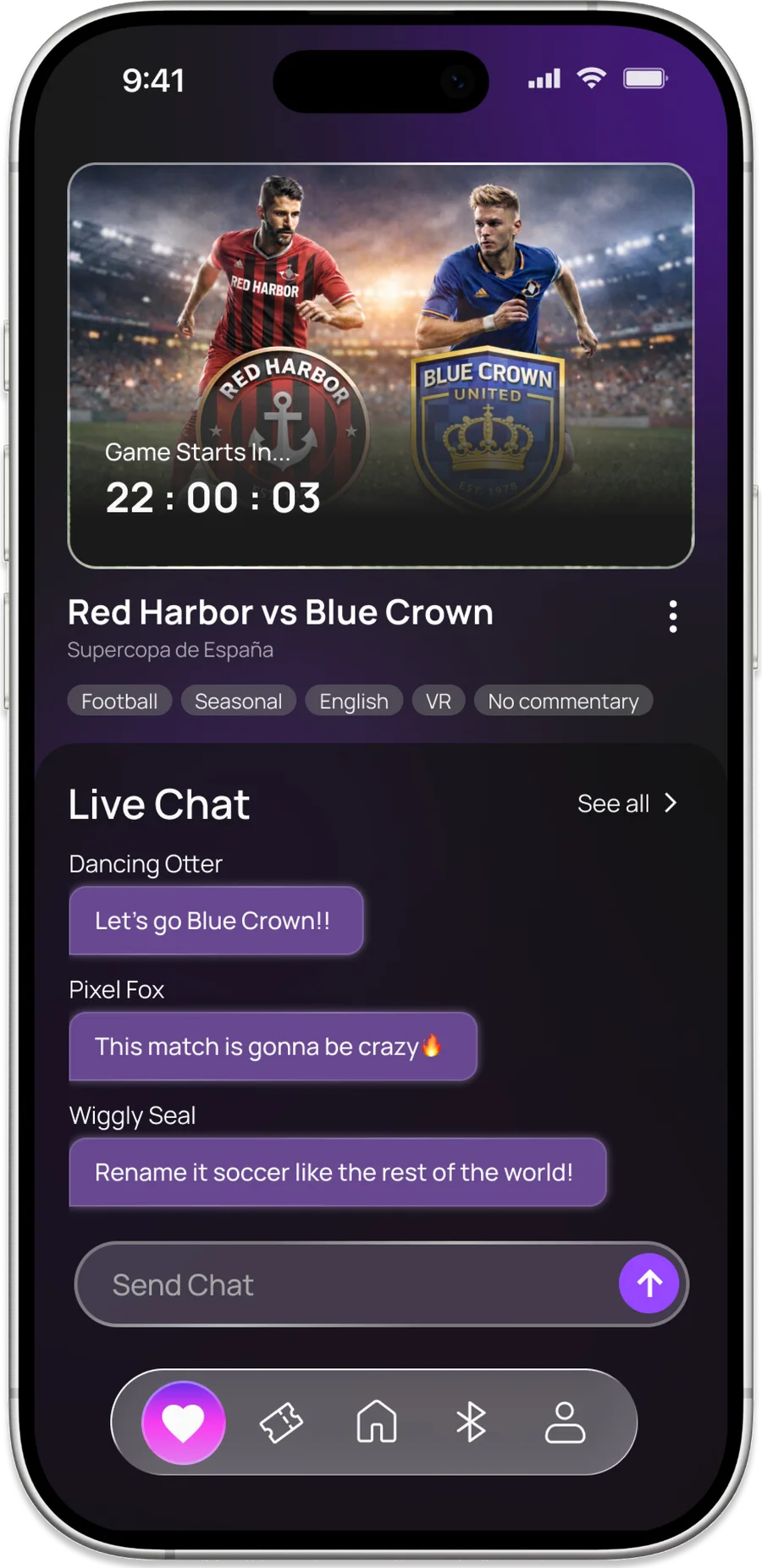
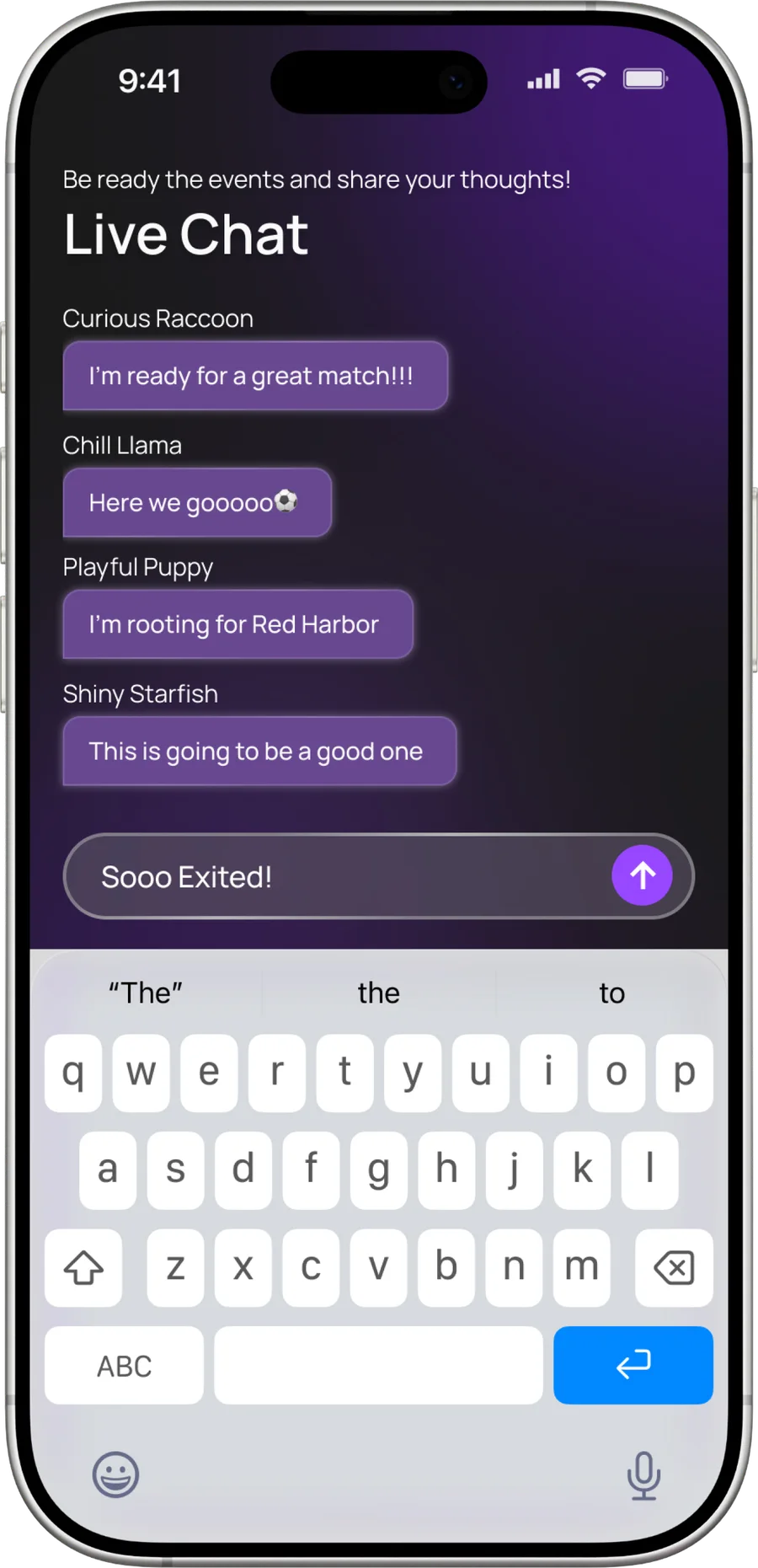
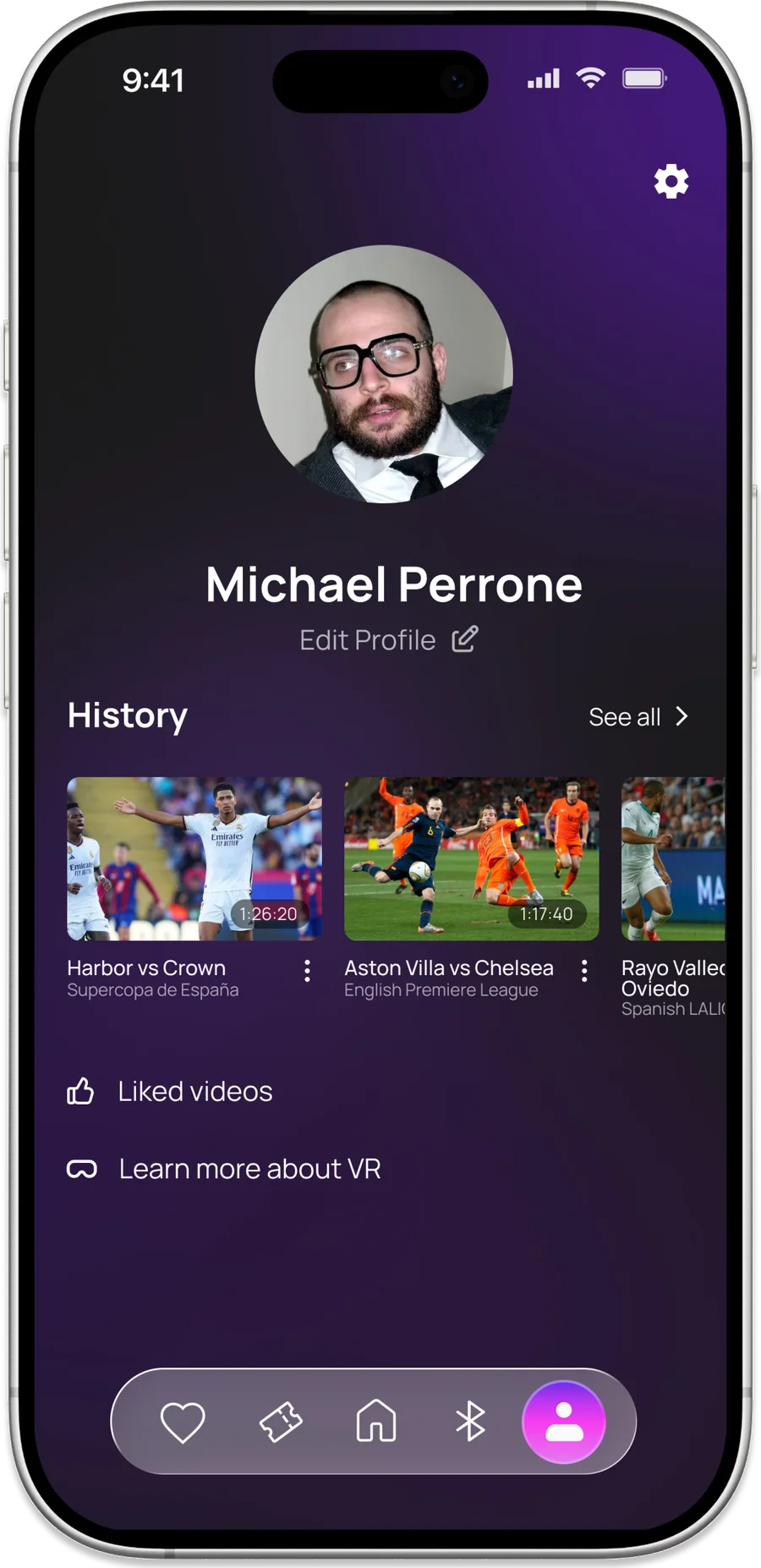
The headset
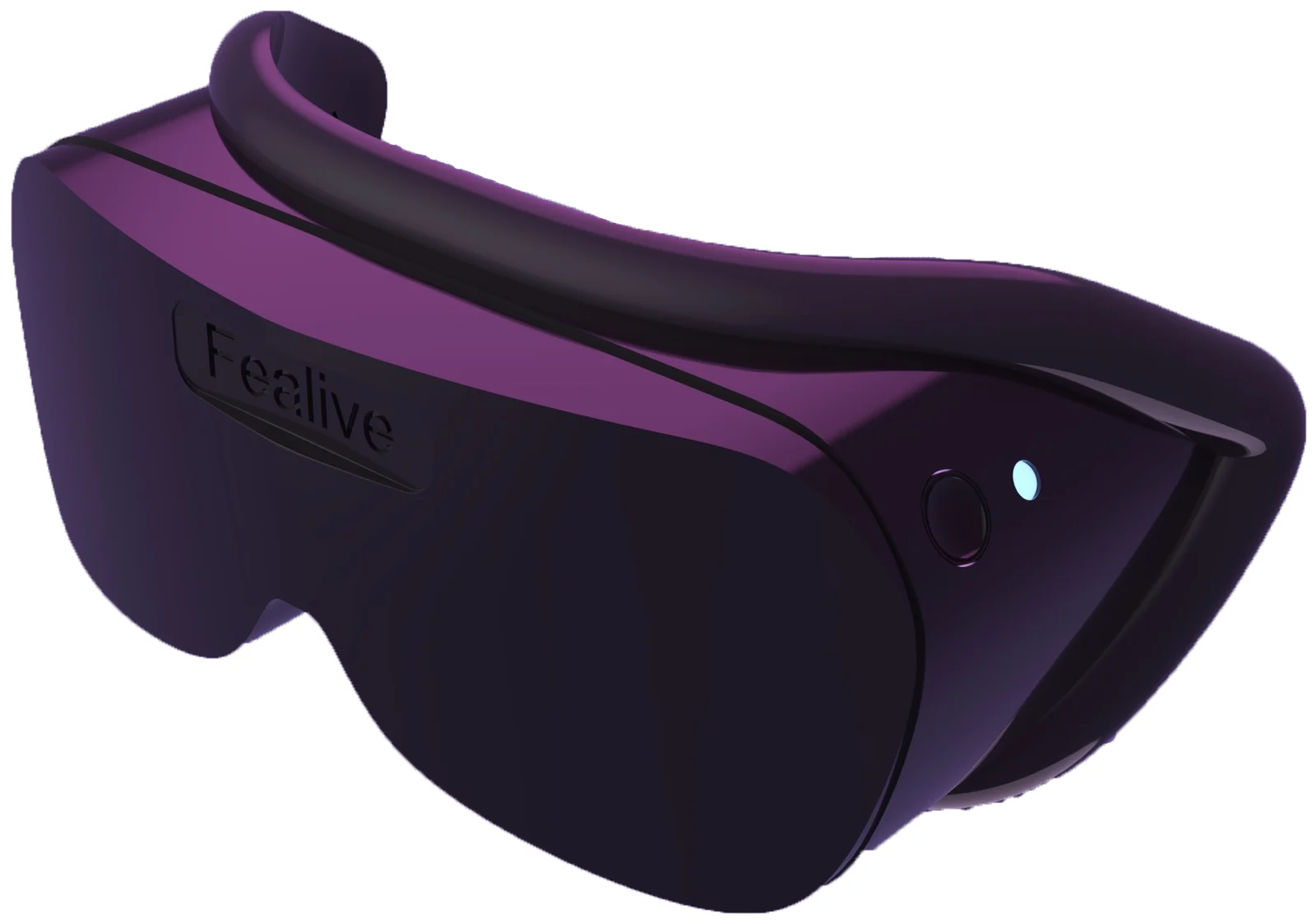
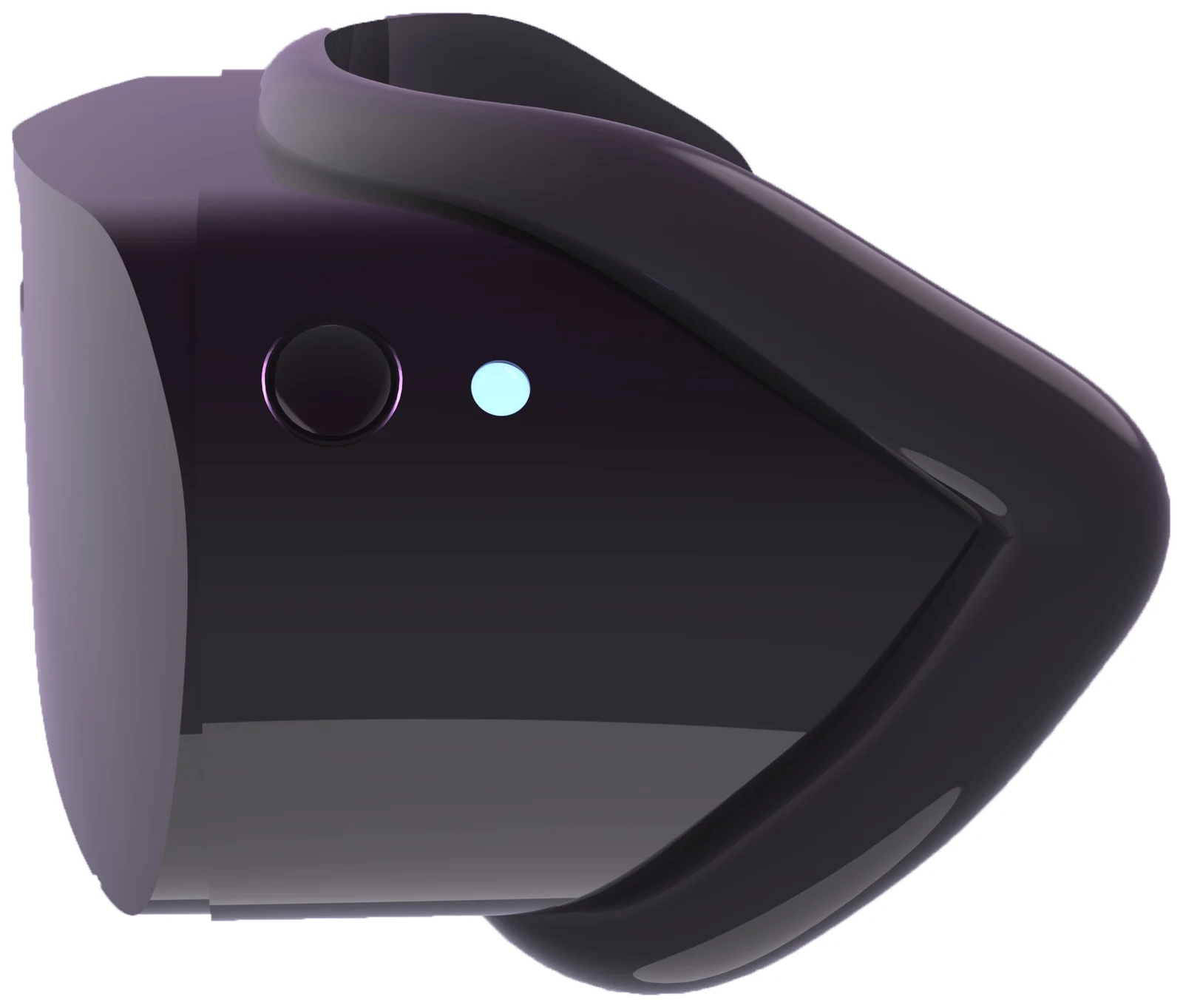
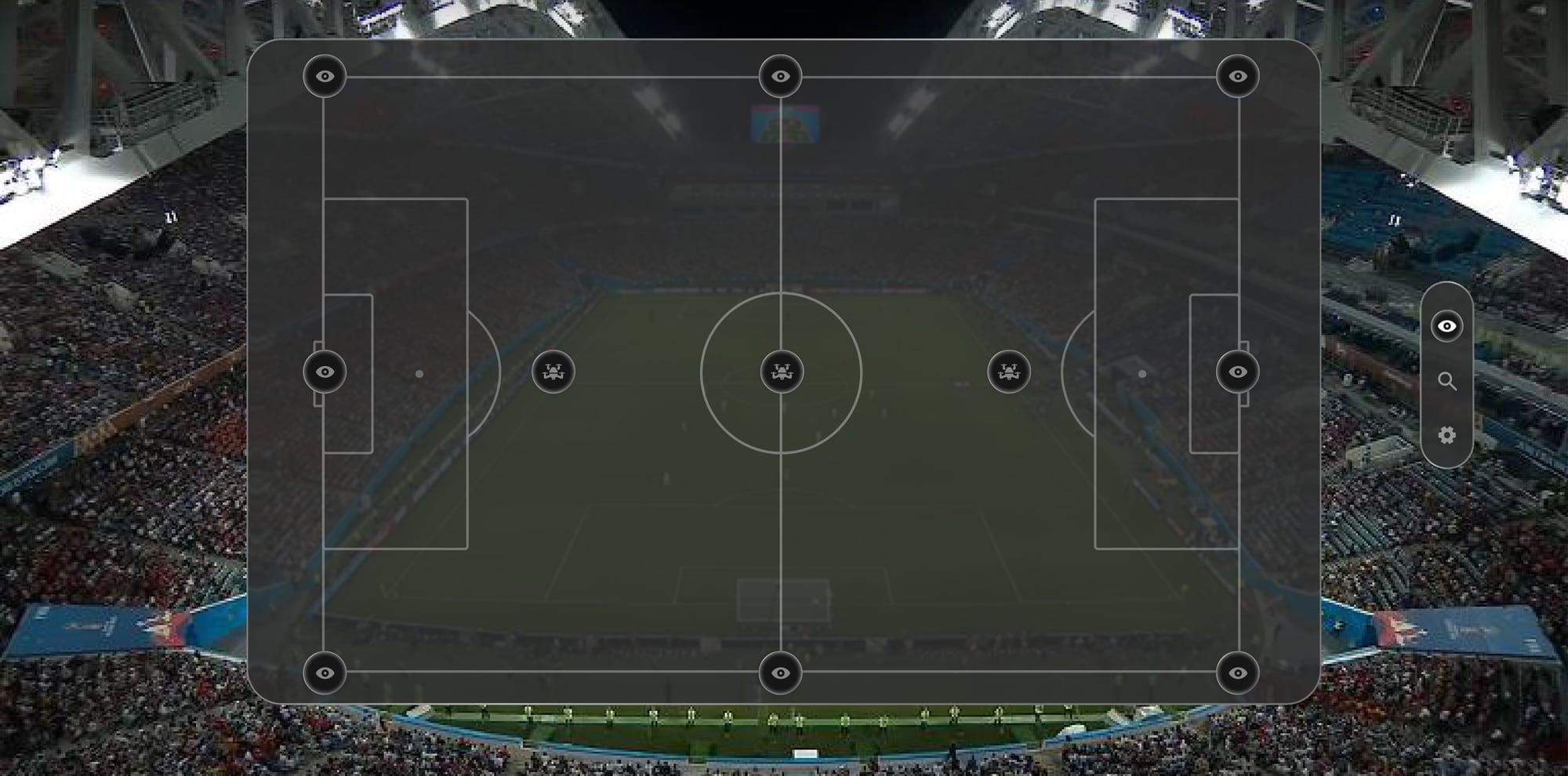
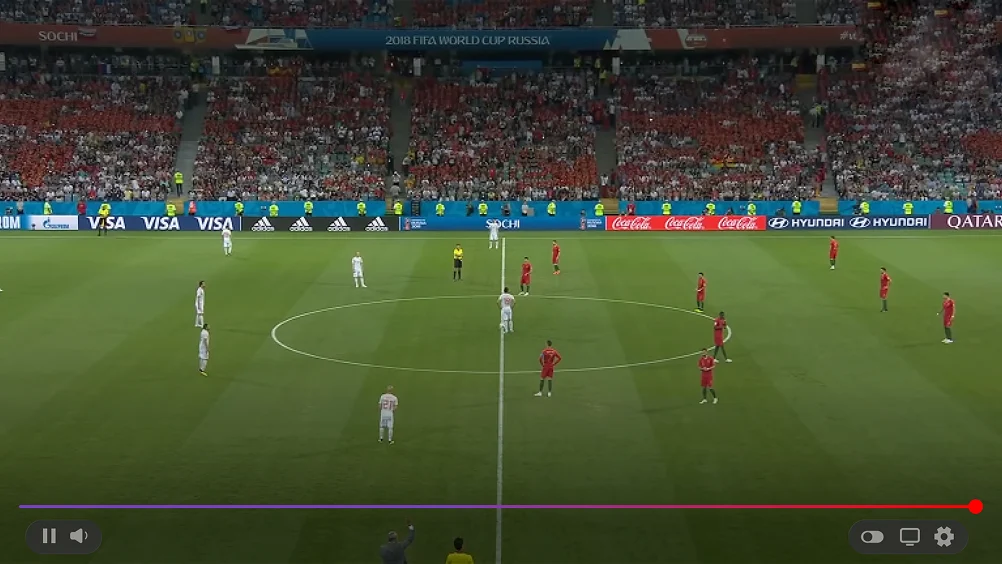
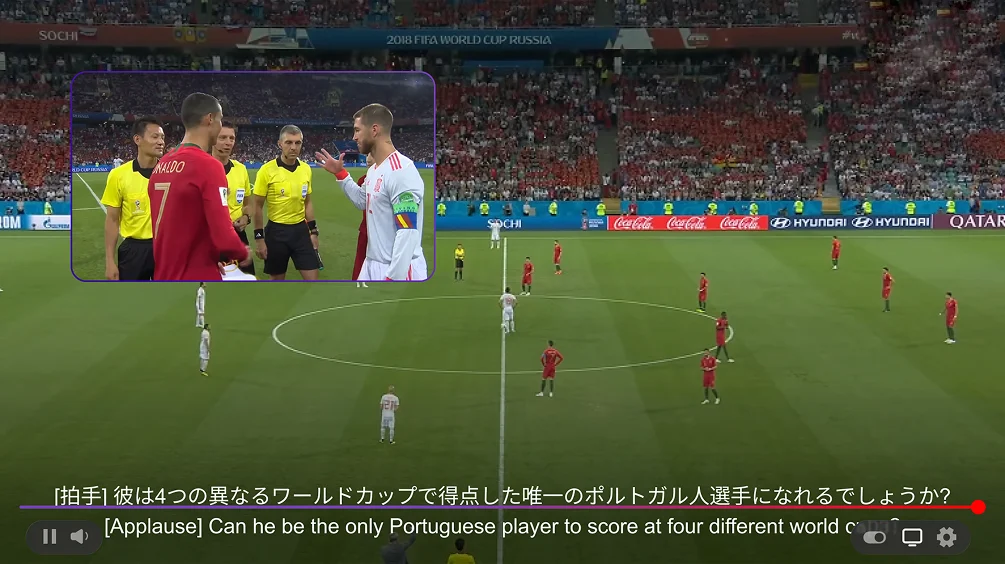
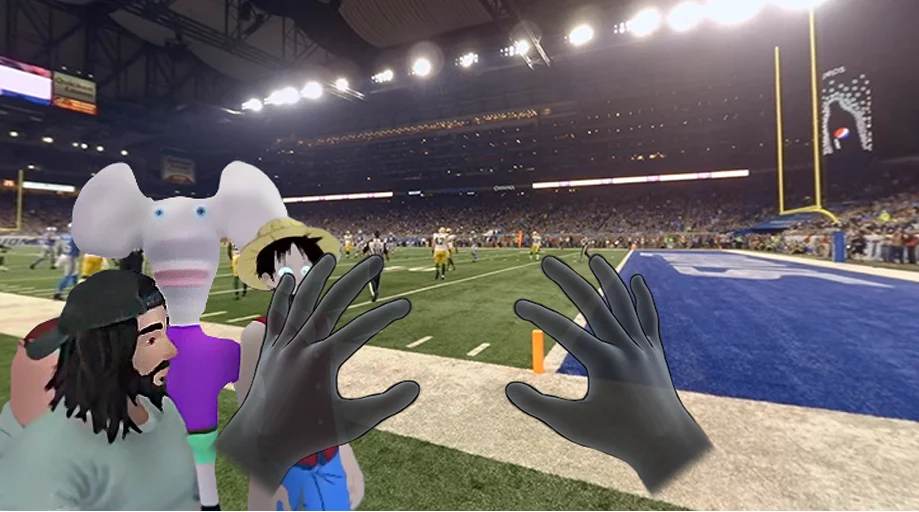
The view inside answers the research directly: pick your camera, see the stats, keep your friends in the frame. Two things a seat can’t give you — a touchline at your feet and a translation of the commentary — are the whole argument.

The business case
Priced per event, like a ticket — and the seat count is not limited by the building.
Against that: 20,000 viewers × $30 × 120 events a year ≈ $72M — a revenue stream beyond the capacity of the stadium, from fans who were never going to be in it.
What we learned
- Barriers are logistical and emotional. Engagement and social interaction mattered as much as accessibility and convenience.
- Technology versus usability. However immersive VR can be, people hesitate if setup feels complicated. Low friction is the feature.
- Accessibility is reach. Reducing distance, noise and crowd barriers lets more people take part — that’s the audience venues gain.
- Next: stronger social interaction, personalisation, and venue partnerships.
Running the sprint
I designed UX alongside the team and ran the project as Scrum Master: ten weeks, two sprints, a kick-off and a final.
The film
Turn every moment on, feel alive.